☝ Flash Notification Light ☝2.0
Publisher Description
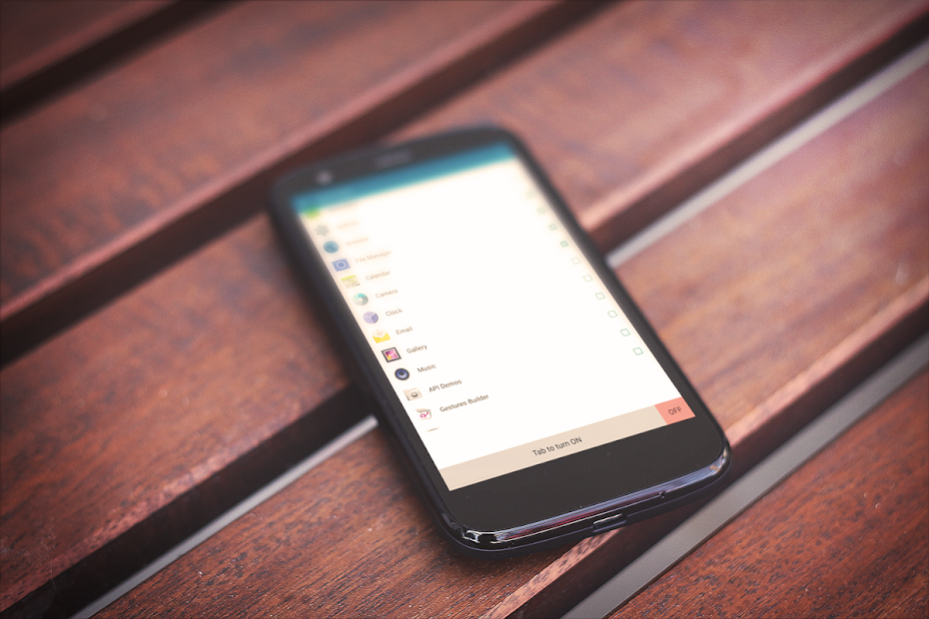
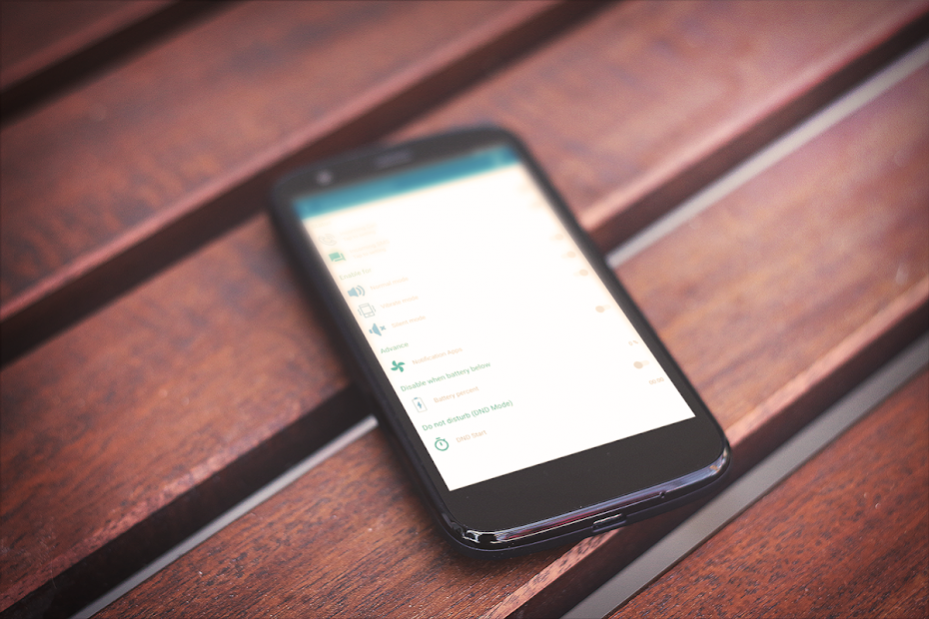
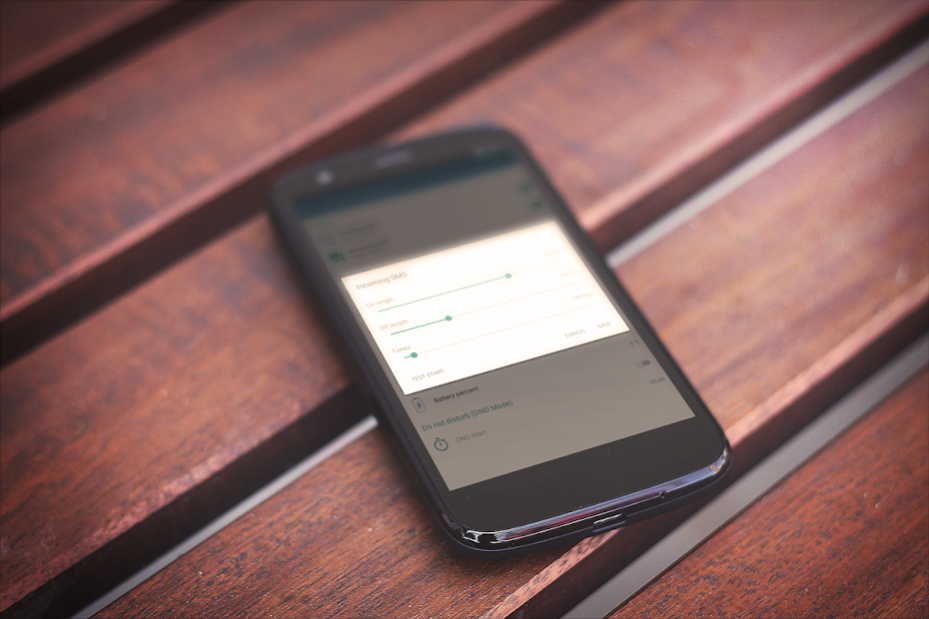
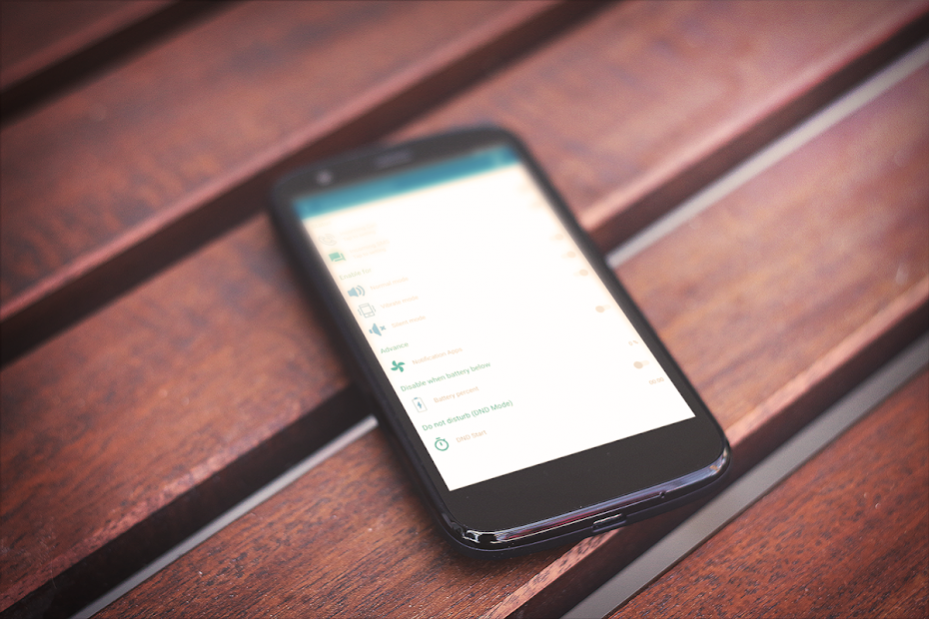
Flash Notification Led Light for Sms ,Calls And all apps notifications alert Flashing light Free .
Flash Notification Led Features
✔ Easy To use .
✔ Good Interface.
✔ Enable/Disable Flash Notification .
✔ Easily Select Apps to get led notification for (You can select Facebook-whatsapp-Twitter-etc) And get blank light when you get notification for them .
✔ Get led notification for calls
(Get blank flash alert when you have call and set number of flash time with test mode )
(Get led flash alert when you are in selected mode silent-normal-vibrate)
✔ Get led notification when you get sms or unread sms .
✔ Turn flash of when battery is low .
✔ Don’t disturb mode to stop flash alert at specific time .
☺ Don’t forget to rate app 5 stars to keep updated ☺
✭ Keywords Suggestion ✭
flash notification
flash alert
notification light
led notification
flash alert app
led notifikasi
notification led
led notification light
flashing light notification
light notification
flashlight notification app
led flash alert
flash blinking on call
led flash for alerts
call flash alert
flash alert on call
notification flash
flashlight notification
flash notifier
notification led light
how to make phone flash when receiving a text
notification for
flash light notification
alerts flash
call alert flash
led alert
notification flash light
About ☝ Flash Notification Light ☝
The company that develops ☝ Flash Notification Light ☝ is Nermo. The latest version released by its developer is 2.0.
To install ☝ Flash Notification Light ☝ on your Android device, just click the green Continue To App button above to start the installation process. The app is listed on our website since 2019-02-09 and was downloaded 9 times. We have already checked if the download link is safe, however for your own protection we recommend that you scan the downloaded app with your antivirus. Your antivirus may detect the ☝ Flash Notification Light ☝ as malware as malware if the download link to flashnotification.allalert.andriod is broken.
How to install ☝ Flash Notification Light ☝ on your Android device:
- Click on the Continue To App button on our website. This will redirect you to Google Play.
- Once the ☝ Flash Notification Light ☝ is shown in the Google Play listing of your Android device, you can start its download and installation. Tap on the Install button located below the search bar and to the right of the app icon.
- A pop-up window with the permissions required by ☝ Flash Notification Light ☝ will be shown. Click on Accept to continue the process.
- ☝ Flash Notification Light ☝ will be downloaded onto your device, displaying a progress. Once the download completes, the installation will start and you'll get a notification after the installation is finished.
